
Sightlines by Hayley Surrey, England Goal
Display:
Sightlines by Hayley Accessible videos and companion handouts

The seminar catalogue

Ten short seminars, to be taught live, then published for everyone else.

These are the seminars Sightlines by Hayley is building, alongside its sister project, the Beyond Boundaries oral-history archive. Each one is about fifteen minutes, designed to be taught live at a Sight for Surrey members' meeting and then recorded cleanly for YouTube. They sit in three tracks. We teach only what the host uses every day, so the advice is specific and tested, not general. Every seminar ends with a short practice task and ships with a one-page companion document of key points and links you can keep.

  • Practical and assistive technology
  • Motivation and mindset
  • Recreation and everyday life

I.On the channel now: our first educational videos

We explore everything from deep dives into assistive technology to spotlighting accessible summer entertainment and community activities. Every upload is paired with a downloadable, screen-reader-friendly companion handout.

Kitchen hacks on the Sightlines by Hayley channel. Watch on YouTube.
Assistive tech on the Sightlines by Hayley channel. Watch on YouTube.
Unsolicited advice on the Sightlines by Hayley channel. Watch on YouTube.
Sensory Fashion on the Sightlines by Hayley channel. Watch on YouTube.
Three blind musicians in History on the Sightlines by Hayley channel. Watch on YouTube.
20th Century Blind Musicians on the Sightlines by Hayley channel. Watch on YouTube.
Cruise control Short on the Sightlines by Hayley channel. Watch on YouTube.
Braille Short on the Sightlines by Hayley channel. Watch on YouTube.
Six Everyday Things Shaped by Blind People on the Sightlines by Hayley channel. Watch on YouTube.
Blind Musicians in the Middle Ages and Renaissance on the Sightlines by Hayley channel. Watch on YouTube.
Six More Everyday Things Shaped by Blind People on the Sightlines by Hayley channel. Watch on YouTube.

Each video's full title and description are shown in the player on YouTube.

II.Practical and assistive technology

The tools that make study, work, and daily life possible. Often co-hosted by a sight-loss specialist (illustrative).

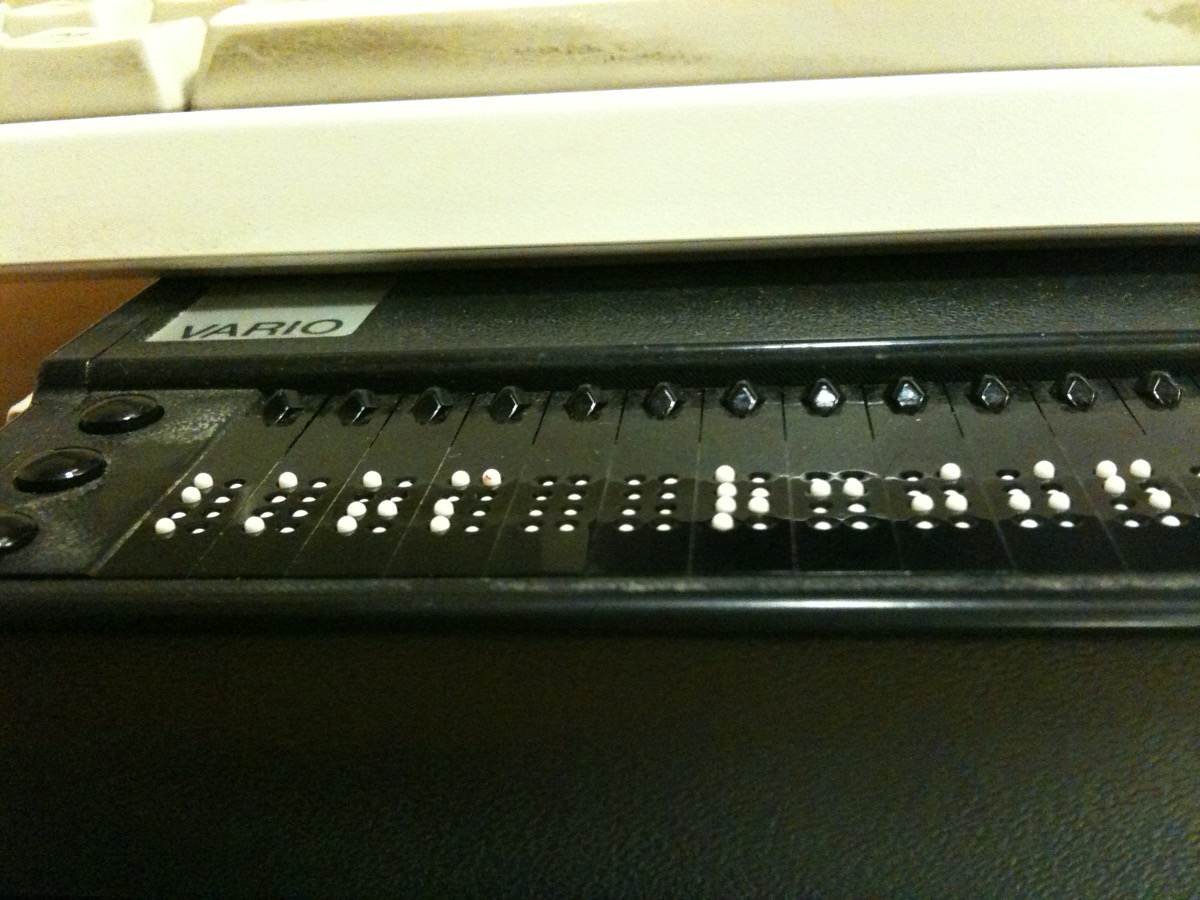
A refreshable braille display next to a laptop keyboard. 0115 min

Practical · Fully written

Reading and writing without your eyes: screen readers and braille displays

Most people meet a screen reader as a wall of speech and give up. This session starts there and ends with the three settings, the four keyboard moves, and the one habit that make a laptop faster to read than a printed page. We cover VoiceOver and NVDA, how a refreshable braille display fits alongside speech, and why the two together beat either alone.

The fifteen minutes are built around one demonstration and one practice task you do on your own device: open a document, find a heading, jump to it, and read one paragraph by braille. The companion lists every shortcut named, with free download links.
A microphone on a desk, used for recording the session. 0215 min

Practical

The phone in your pocket is the best aid you own

A smartphone with the screen reader on does more than most dedicated devices, and it is already paid for. We set up VoiceOver or TalkBack from scratch, then walk through the four apps that change a day: a money reader, an object and text reader, a navigation app that calls out junctions, and a video call to a sighted volunteer when you just need one thing confirmed.

Practice task: read a banknote and a tin label with your own phone before the session ends. The companion has the exact app names, all free, and the one setting people forget.

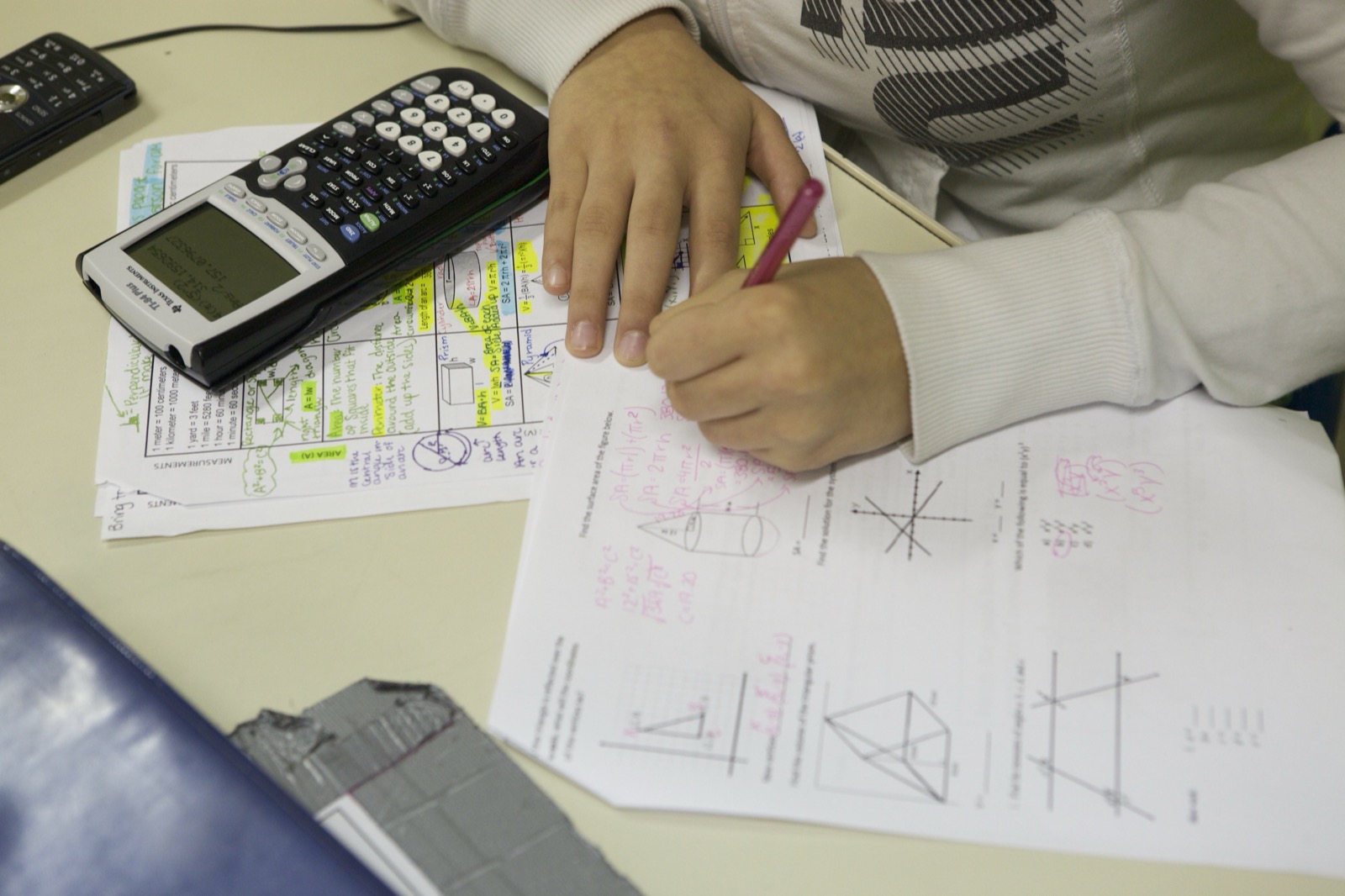
A young person working at a desk with a laptop. 0315 min

Practical

Taking notes and surviving exams in braille and audio

The part of school that quietly decides your grades. How to take fast notes when you cannot glance at a board, how to record a lesson and find the bit you need again, and how to set up your access arrangements so the exam tests you, not your eyesight. We name the documents to ask for and when, and the trap of waiting for the school to remember.

Practice task: turn on dictation and capture three lines, then find them again by heading. The companion lists the access-arrangement terms and the bodies that set them.

III.Motivation and mindset

The track most empowerment programmes skip. Sessions 04 to 06 run as a three-part series, and stand alone too.

A person speaking into a microphone at a desk. 0415 min

Mindset · Part 1 of 3 · Fully written

The parallel track, and how to get off it

No one sits a blind student down and says aim lower. It happens in a hundred small moments: the easier set, the dropped subject, the work-experience placement chosen for you. This session names the parallel track out loud, gives the one question that reveals when you are on it, and replaces it with a target you set on purpose.

Practice task: write down one thing you have quietly assumed is not for you, and one fact that argues against it. The companion carries the question, the reframe, and three short histories of blind people who refused the track.

Young people talking together at a table. 0515 min

Mindset · Part 2 of 3

Asking for what you need without shrinking

Asking for an adjustment can feel like apologising for existing, so people stop asking, and then they get less. This session turns the request into a plain script you can say in a shop, a classroom, or an interview. We practise the difference between a plea and a statement, and how to handle the awkward reply without backing down.

Practice task: write your own one-line access statement and say it out loud once. The companion has three worked scripts and the Equality Act 2010 wording behind them.

A microphone on a desk. 0615 min

Mindset · Part 3 of 3

The day the equipment fails: handling a setback

The braille notes do not arrive. The screen reader crashes mid-exam. The bus driver does not stop. Setbacks are not rare for a blind young person; they are Tuesday. This session is about the recovery, not the disaster: the three things to do in the first five minutes, and how to stop one bad morning becoming a smaller life.

Practice task: name one setback you handled badly and one thing you would do differently. The companion carries the five-minute recovery checklist and who to escalate to.

IV.Recreation and everyday life

The ordinary things assumed off-limits. A bigger life is made of these, not only of grades and jobs.

People preparing food at a table. 0715 min

Recreation · Everyday life

Cooking a meal you actually want to eat

Independence is built in the kitchen, but most blind teenagers are kept out of it for safety. This session is one real recipe, start to finish, with the small system that makes it safe: how to organise a worktop by touch, judge a pan by sound and smell, and label what you cannot see. Choose a dish you like, not a "safe" one.

Practice task: prepare one cold dish without sighted help before the next session. The companion has the labelling system and three recipes built for it.

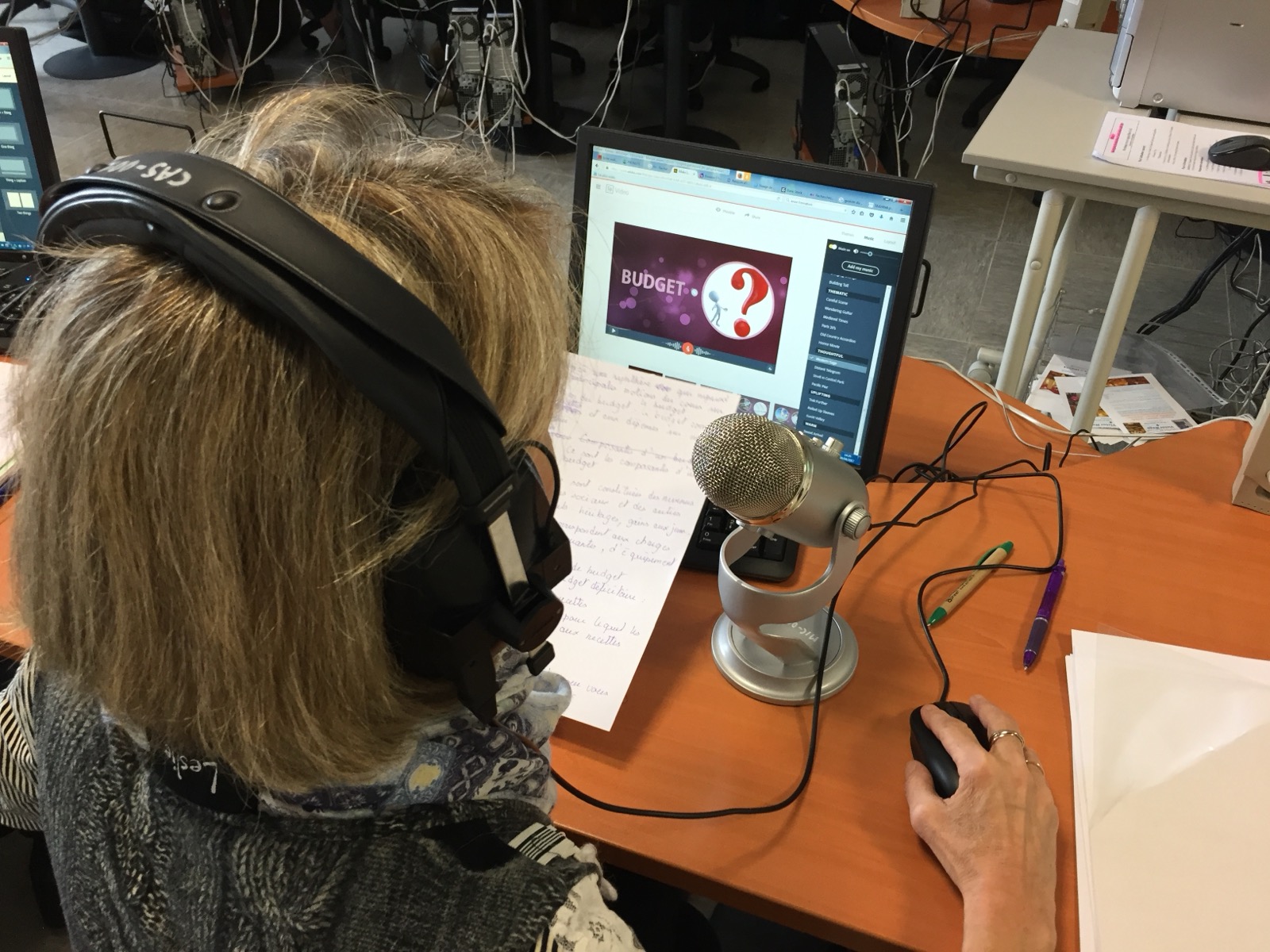
A person at a desk wearing headphones near a microphone. 0815 min

Recreation · Everyday life

Learning music by ear

You do not need to read a score to play seriously. This session is how the host learned piano and violin entirely by ear, two bars at a time: how to break a piece down, how to use a recording as your sheet music, and how a parent or teacher can teach a phrase they cannot transcribe. It is practical, not inspirational; it is a method you can start tonight.

Practice task: learn one short phrase by ear and play it back. The companion has the break-it-down method and links to accessible-music networks such as the Amber Trust.

A microphone, illustrating a recorded session. 0915 min

Recreation · Everyday life

Getting in the water: swimming when you cannot see the lane

Swimming is one of the few sports that works as well blind as sighted, yet it is quietly ruled out at school. This session covers orientating yourself in a pool, counting strokes to a tap turn, the tap-on-the-shoulder signal, and how to find a club that will actually have you. For the families too: the safety facts that calm the worry without shrinking the child.

Practice task: count your strokes across one width next time you swim. The companion lists the turn signals and the disability-swimming routes into a local club.

Assistive technology on a desk. 1015 min

Recreation · Everyday life

Going somewhere new on your own, for fun

Independent travel is usually taught as a chore, getting to school. This session is about travelling for pleasure: planning a route to a place you want to go, using a navigation app and a cane together, asking for help on your own terms, and the confidence to take a trip nobody organised for you. It pairs with the mindset track on purpose.

Practice task: plan, but do not yet take, a route to one place you would actually like to visit. The companion has the route-planning steps and the apps that read out junctions.

Two of these ten are fully written out. Seminar 01 (screen readers and braille displays) and seminar 04 (the parallel track) are published here as complete fifteen-minute scripts with their companion one-pagers, to show the standard every seminar is built to. The remaining eight are outlined here and will be written and filmed following the workflow on the How we record page; none of the ten has been recorded as a seminar video yet.

How every seminar is made accessible

Accessibility is the default, not an afterthought. We hold the series to the standards we teach young people to demand.

Videos
Captioned and audio-described, with a plain-text transcript posted alongside.
Companions
One page, plain text, no decorative formatting, so they read cleanly on a braille display.
Live sessions
Run in the venues sight-loss groups already use, with materials offered in braille and large print.
Cost
Free to watch and free to host. We will never charge a young person to take part.

A note on the co-host. Technical sessions are stronger with two voices, so a sight-loss specialist co-hosts where one is available. The co-host shown in these materials is illustrative, to show the format; a named, consenting co-host is confirmed before any session is published with their name on it.

See how a seminar becomes a video